VEYLSTON Drive · cameras
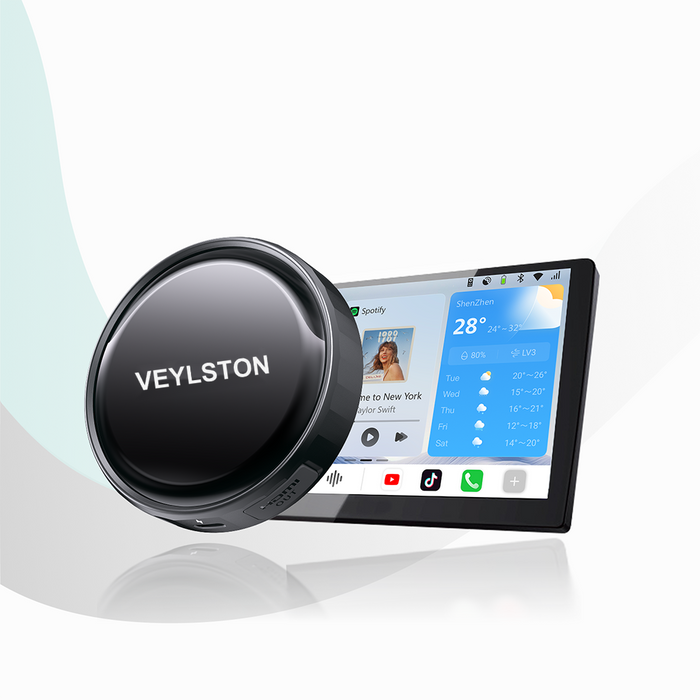
Drive Cabin Camera CarPlay Kit
A cabin-view camera and wireless CarPlay setup for a compatible in-car screen.
£75.65 GBP£113.85Save £38.20
- Live cabin view without recording
- Night-vision capability
- Adjustable 150° view
Check your setup before you buy
Check that your vehicle has factory wired Apple CarPlay through its USB data port. A charging-only USB socket is not enough. Confirm your phone and vehicle system before ordering. Check camera mounting and the selected kit. Arrange the view while parked and keep attention on the road.
Need help checking your setup? ↗Free UK delivery30-day returns
- View
- 150° adjustable
- Camera mode
- Live view; no recording
- Phone system
- Apple CarPlay
Drive Cabin Camera CarPlay Kit£75.65
THOUGHTFULLY CONNECTED
Your setup. Upgraded.
A cabin-view camera and wireless CarPlay setup for a compatible in-car screen.
Night-vision capability
Adjustable 150° view
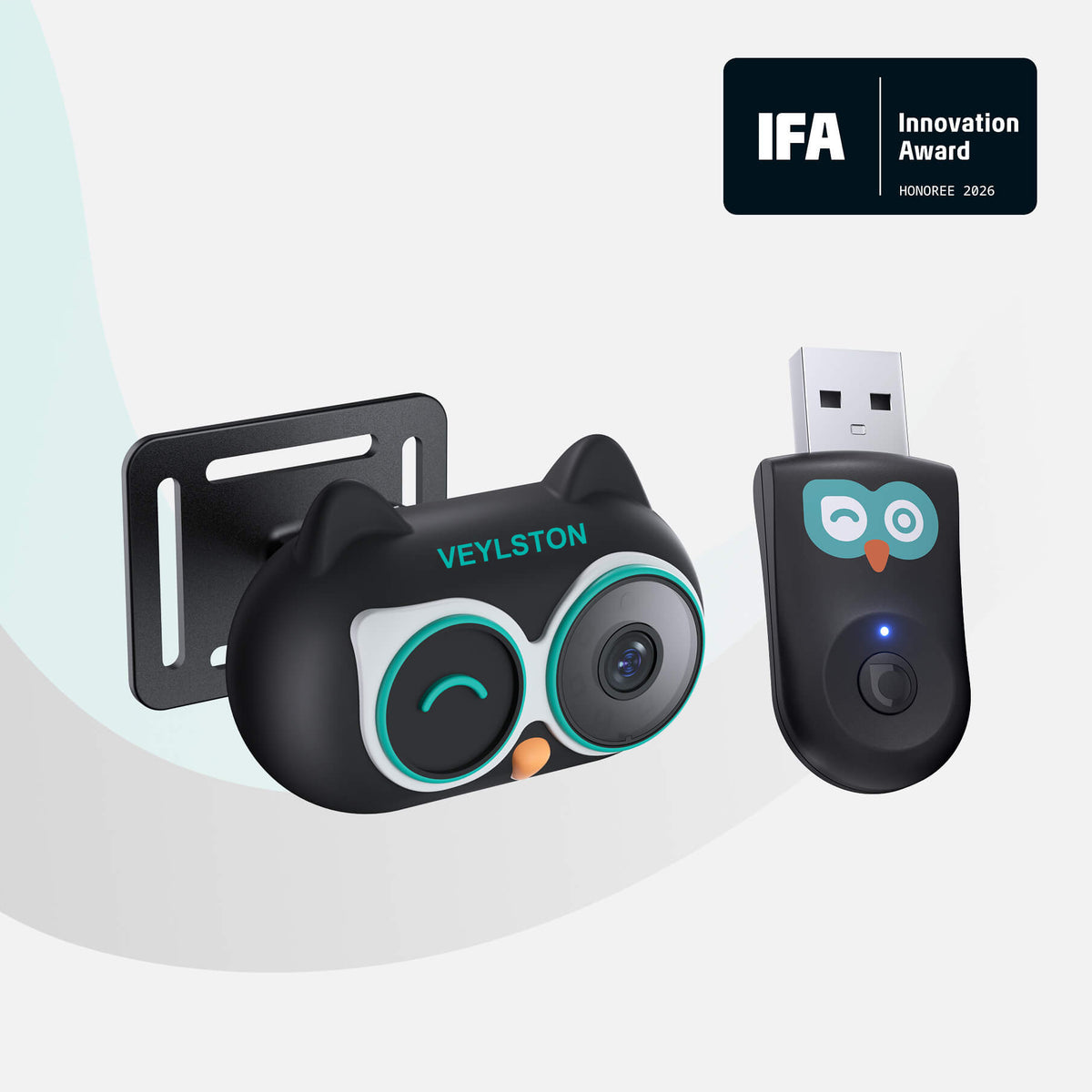
Product details
Drive Cabin Camera CarPlay Kit
A cabin-view camera and wireless CarPlay setup for a compatible in-car screen.
Key features
- Live cabin view without recording
- Night-vision capability
- Adjustable 150° view
Compatibility before you buy
Check that your vehicle has factory wired Apple CarPlay through its USB data port. A charging-only USB socket is not enough. Confirm your phone and vehicle system before ordering. Check camera mounting and the selected kit. Arrange the view while parked and keep attention on the road.
Specifications
- View: 150° adjustable
- Camera mode: Live view; no recording
- Phone system: Apple CarPlay
Your selected option
Choose from the options shown on this page. The product supplied will match that selection. Contact support@veylston.com if you need help confirming your setup.
THE RIGHT FIT COMES FIRST
A great upgrade starts with the right connection.
Check that your vehicle has factory wired Apple CarPlay through its USB data port. A charging-only USB socket is not enough. Confirm your phone and vehicle system before ordering. Check camera mounting and the selected kit. Arrange the view while parked and keep attention on the road.
Email our team ↗✓
Know your setup
Check your vehicle system, phone and selected kit. Our team can help you work through the details before you order.
- View
- 150° adjustable
- Camera mode
- Live view; no recording
- Phone system
- Apple CarPlay
FROM BOX TO DASHBOARD
Make the next step simple.
Check your setup
Check that your vehicle has factory wired Apple CarPlay through its USB data port. A charging-only USB socket is not enough. Confirm your phone and vehicle system before ordering. Check camera mounting and the selected kit. Arrange the view while parked and keep attention on the road.
Choose your kit
Select the connection, colour or bundle shown above. Check the included items for your chosen option.
Fit and connect
Follow the supplied model instructions. Complete installation and pairing while safely parked.
EXPLORE VEYLSTON DRIVE
Find your next upgrade.
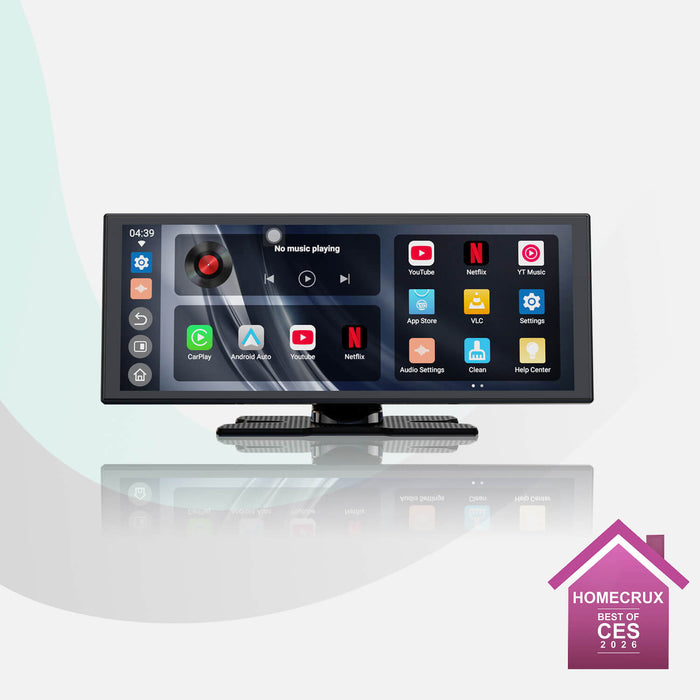
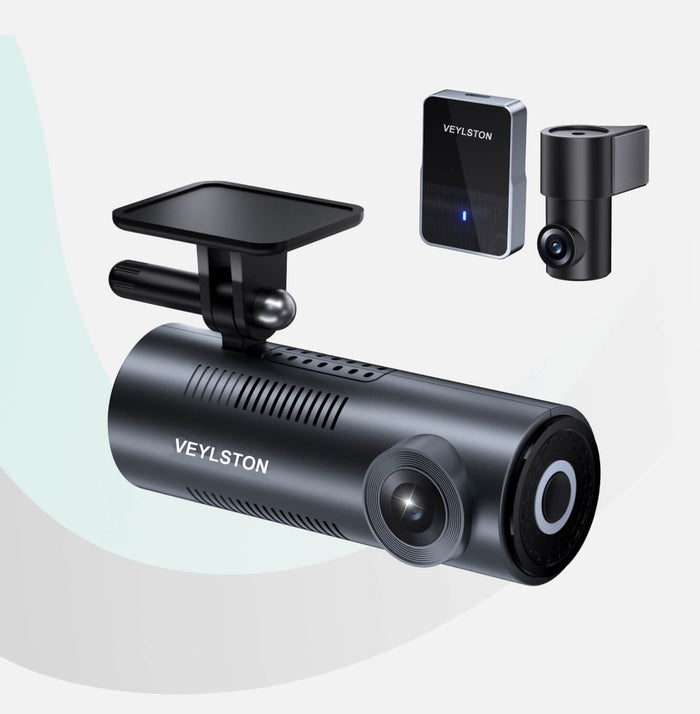
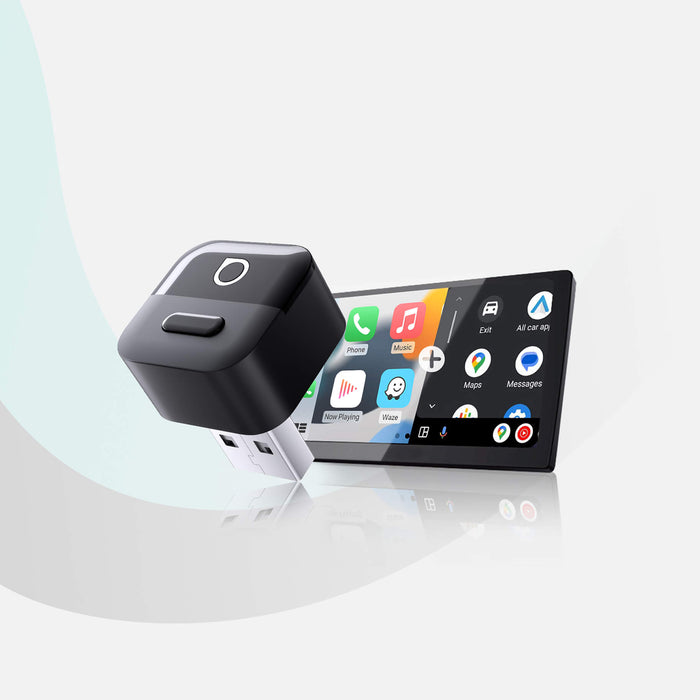
A FEW HELPFUL ANSWERS
Before you set off.
Is this right for my setup?
Check the compatibility panel for this specific product. Vehicle model and year alone do not prove compatibility: the fitted head unit, wired phone system, USB data port and phone model matter. Send those details to support@veylston.com if you need help.
Do I need an adapter or a separate display?
A wireless adapter usually builds on an existing compatible wired phone connection. A portable display adds a separate screen. Check the product requirements and mounting details before choosing.
What comes with my selected kit?
Select the bundle or option shown above. Included accessories differ between products and kits. Confirm any memory card, camera, cable or mounting kit you need in the product details.
Do apps or online features need a subscription?
Some online features require internet access and separate app or data subscriptions. These are not included unless explicitly stated for the selected product. Use video features only while safely parked.
How do delivery and returns work?
UK delivery is free. Orders are prepared in 1–2 business days, followed by an estimated 5–8 business days in transit. Our 30-day return policy applies; read the delivery and return pages for full terms.